 Red
LEARN RED / THE PRIVATE BETA FIELD GUIDE
A little guidance.
A lot more room to work.
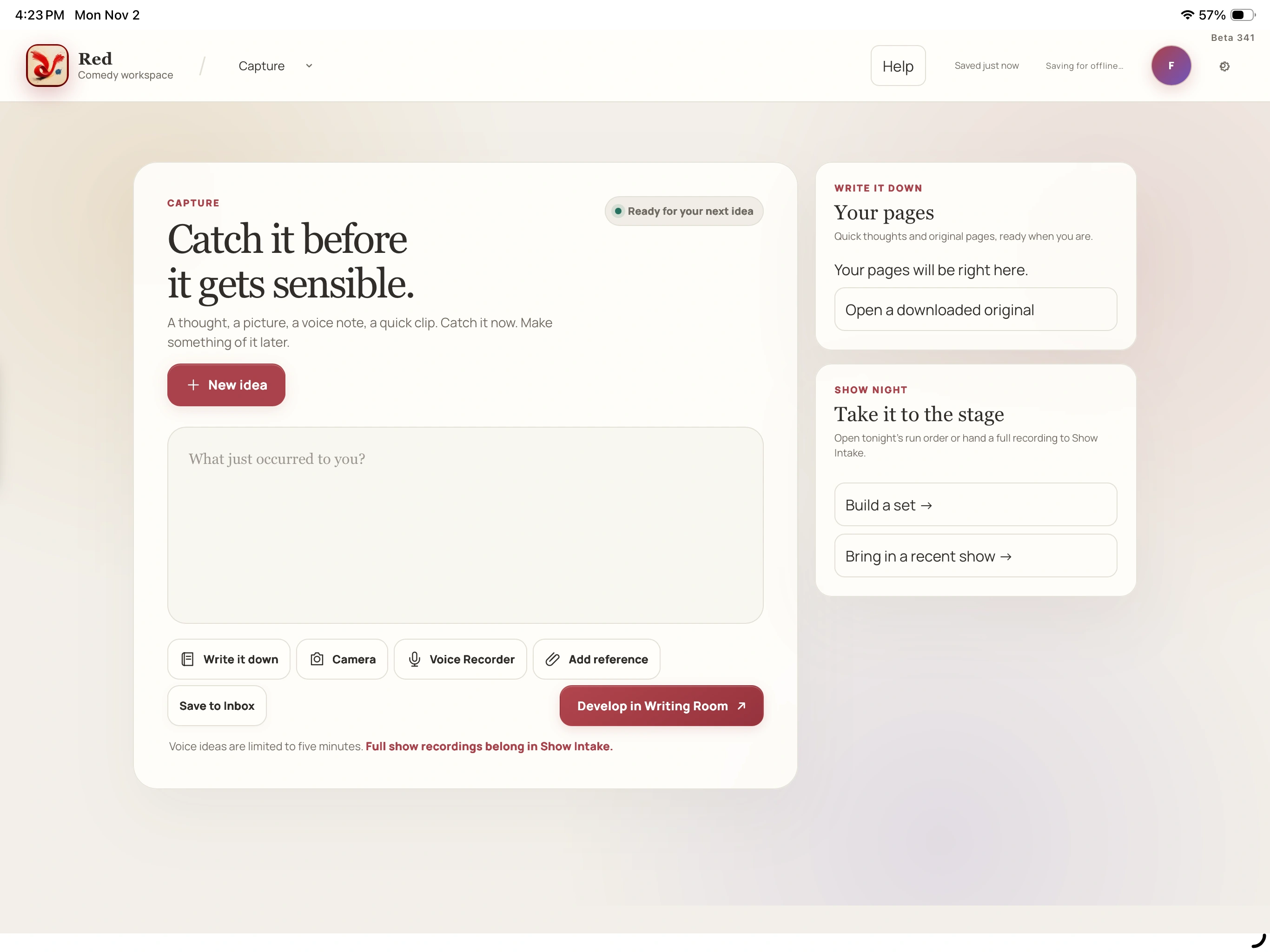
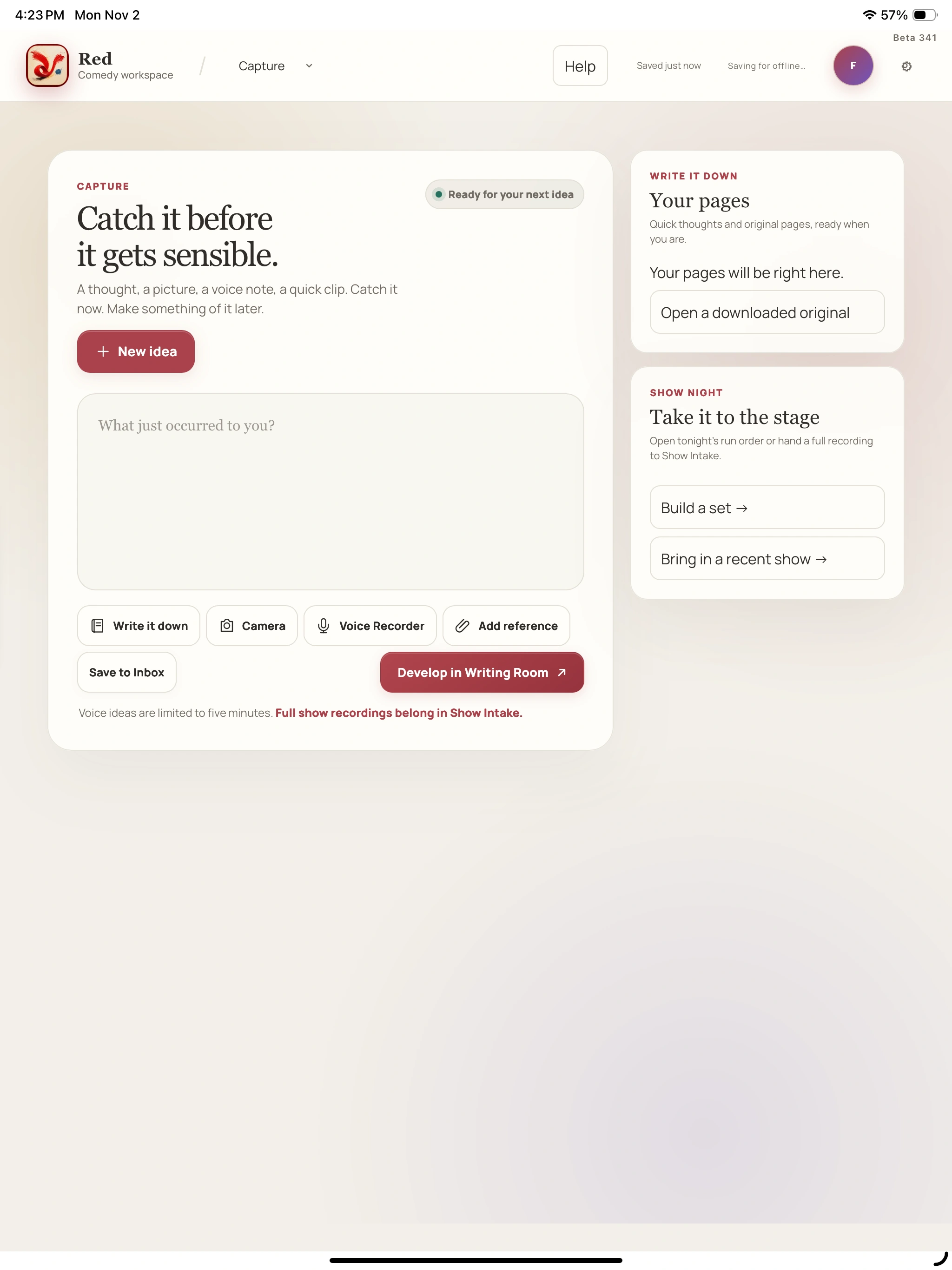
Catch an idea. Build the bit. Make a set. Bring the show back to the page. Find the real controls, see the screens and try one small thing at a time.
Find a task ↓For invited private-beta testers. This guide does not open an app account.
YOUR MATERIAL. YOUR PACE.
You don’t have to learn it all
before you write.
Pick the job in front of you. Screenshots have full-size views, portrait and landscape choices, and small control tips. The steps stay on the page, so you can return to them when you need them.
THE WORK CONNECTS
One bit.
A working life around it.
- 01Catch the thought
Type it, write it or record a short idea.
- 02Give it shape
Work through the draft and its possible directions.
- 03Take it on stage
Choose material and build a run you can follow.
- 04Bring something back
Review the recording and choose the next thing to try.
FIND THE THING YOU CAME FOR
What are you
working on?
Your whole working life, within reach.
Writing & the workspaceCatch it before the moment goes.
Writing & the workspaceFind the line. Keep its context.
Writing & the workspaceMake room for the next draft.
Writing & the workspaceKeep the ink. Work with the words.
Writing & the workspaceWrite larger. Keep your place.
Writing & the workspaceGive the idea somewhere to go.
Writing & the workspaceBuild the run you want to take onstage.
Writing & the workspaceHear it. Try something. Bring it back.
Shows & show analysisStart with the show.
Shows & show analysisOne performance. The files in the right order.
Shows & show analysisLet the review finish its work.
Shows & show analysisKnow the bit. Hear the whole passage.
Shows & show analysisA useful moment starts as a possibility.
Shows & show analysisPut the live words where you want them.
Shows & show analysisLeave with something specific to try.
Shows & show analysisUse the numbers to find the sound.
Shows & show analysisRead the words. Check the uncertain ones.
Shows & show analysisKeep the history behind the bit.
Gigs, money & staying safeKeep the gig together
Gigs, money & staying safeKnow what came in and what is still owed
Gigs, money & staying safeKnow where your latest work is
Gigs, money & staying safeMake the workspace yours
Gigs, money & staying safeGive a problem useful context
Try a shorter control name, or browse the three guides above.
LIKE A GOOD ROAD PARTNER
Knows the act.
Keeps the conversation useful.
Your saved writing, confirmed clips and the answers you give Red can add context to a later authorized show review. The recording stays within reach, so you can listen, check and choose what belongs in your act.
That is the spirit of comics watching each other’s sets and comparing notes. Your voice and judgment stay at the center.
See how the history connects ↗